Engineering case study
Whatsure
Make business communication more accessible.
Overview
Whatsure is an independent project centered on a WhatsApp communication widget for business websites. It gives visitors a clear entry point to start a direct conversation while they are browsing a company’s site.
The supplied materials for this case study include four product website screenshots and the written project brief. They describe the product and its visual presentation; widget source code is not included in the portfolio folder.
The problem
A visitor who has a question may have to leave the page, look for contact details, or fill out a form before reaching a business. Those extra steps can make a simple conversation feel less immediate.
Whatsure explores a more accessible contact path by placing a recognizable WhatsApp entry point directly on the website.
The proposed solution
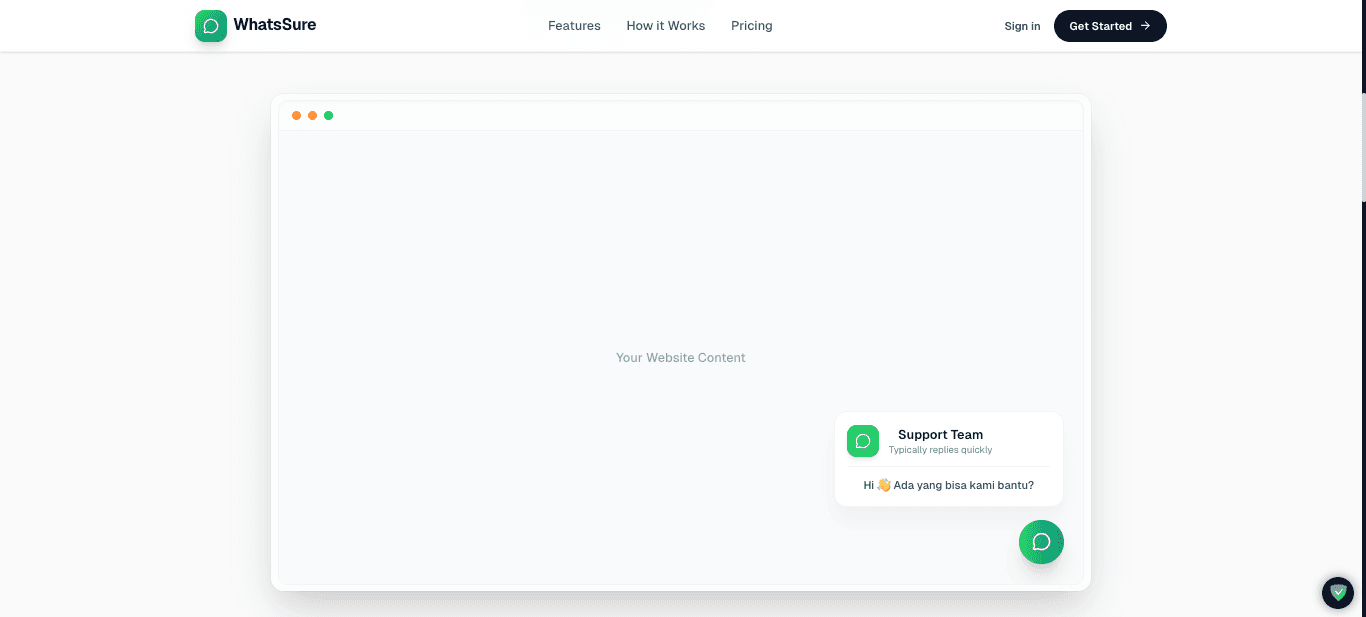
Whatsure adds a configurable WhatsApp communication entry point to a business website. A visitor can open the widget and use it to initiate a direct conversation with the business through WhatsApp.
Key capabilities in the project brief
- WhatsApp widget integration on a website.
- A direct website communication entry point.
- A path for visitors to initiate a customer conversation.
- Customizable widget presentation.
Engineering focus
The project is framed around embedding a small communication component into a host website while keeping its presentation configurable and its purpose easy for visitors to understand.
- Web integration and placement within a host page.
- Widget boundaries and configuration options.
- Interaction design from opening the widget to starting a WhatsApp conversation.
- A configurable presentation that can fit different business websites.
Design and implementation status
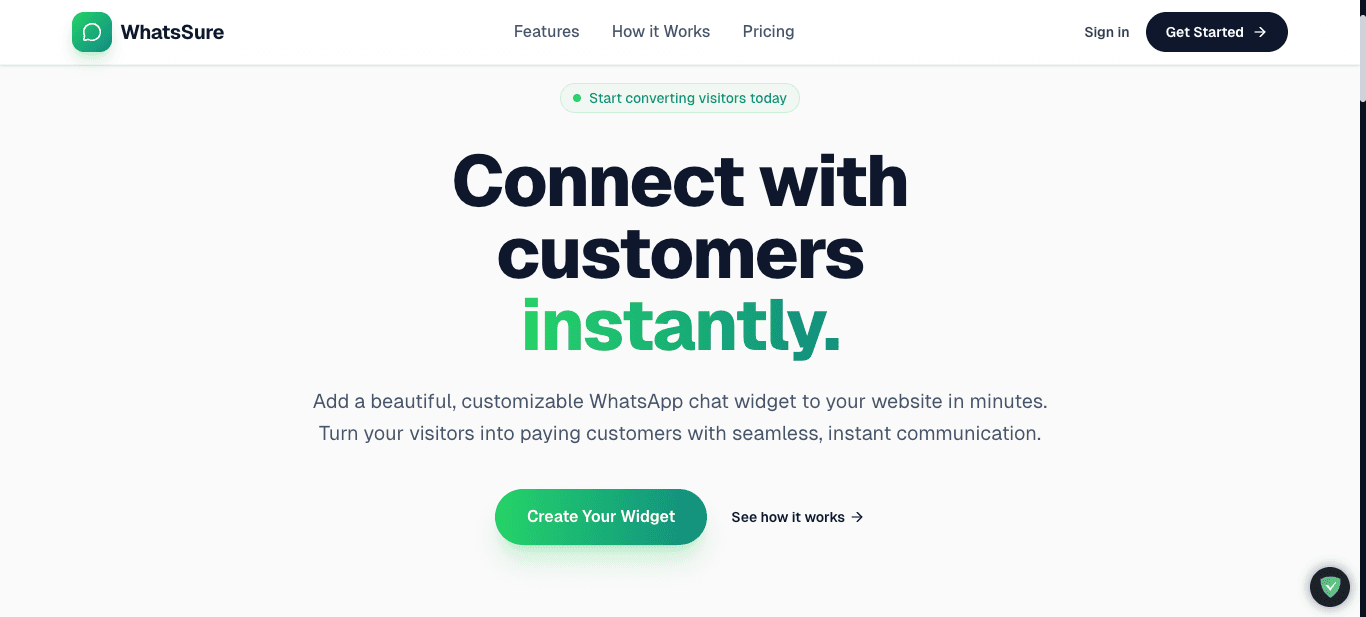
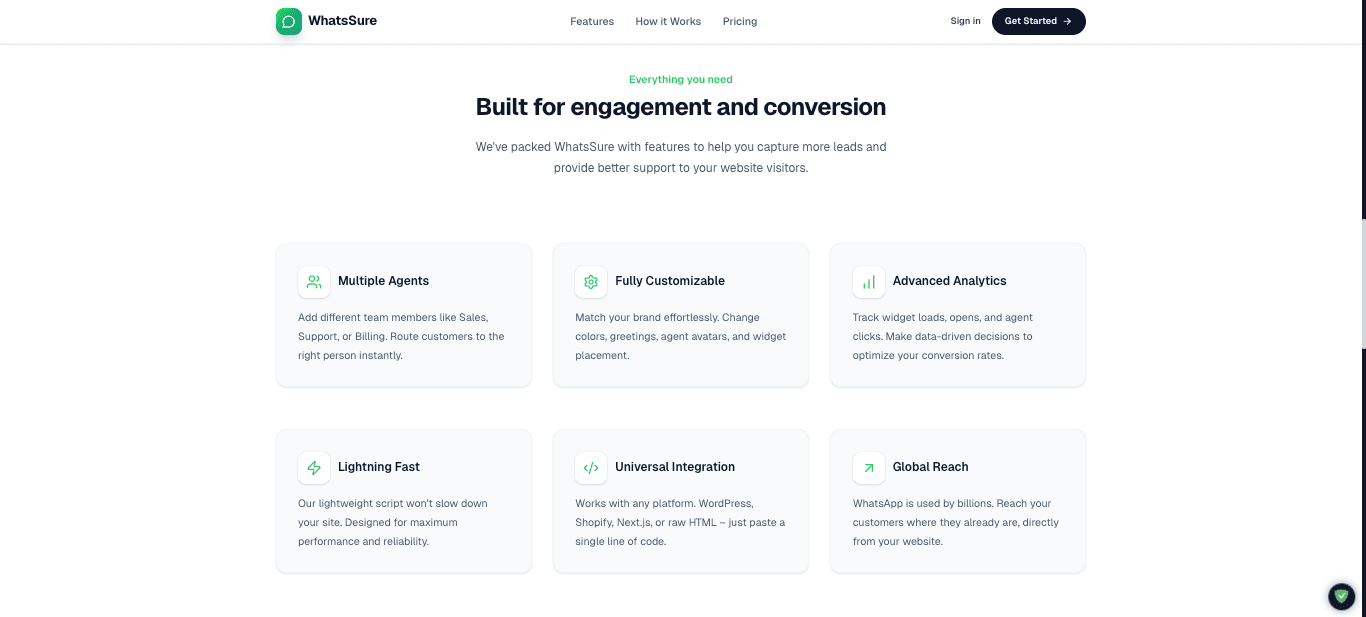
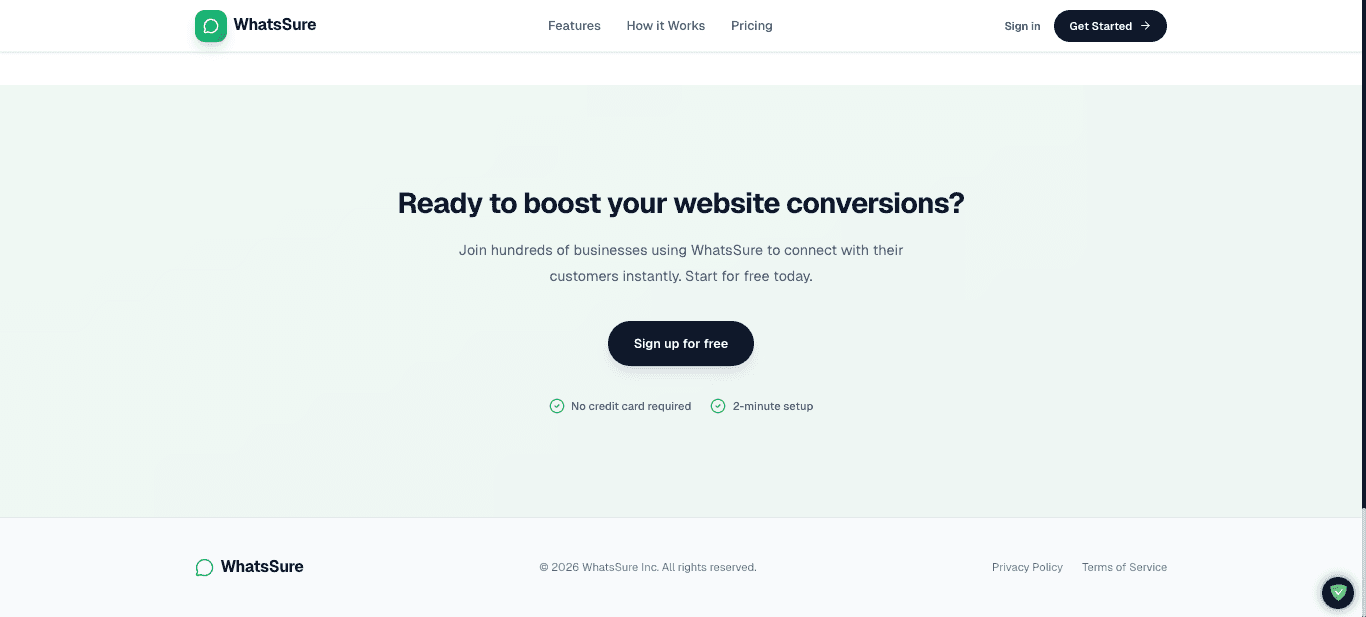
The supplied screenshots show a product landing page, an embedded-widget preview, a feature overview, and a closing call to action. The embedded-widget image communicates the intended interaction visually.
The screenshots do not explain supported website platforms, configuration details, analytics collection, multiple-agent routing, performance impact, or deployment. Those implementation details should be documented after checking the running product.
Next engineering steps
- Define the supported integration method and installation surface for a customer website.
- Specify how a business configures its WhatsApp destination and widget appearance.
- Verify behavior across common viewport sizes, keyboard navigation, and assistive technologies.
- Document privacy boundaries and any data handled before the visitor leaves for WhatsApp.
- Measure script size and page impact against an agreed performance budget.
Project classification
Whatsure is an independent software project by Surelabs (credited as SureLabsID in the supplied project brief), not work attributed to an external client.
Project gallery
The following images come from the visual materials available for this project. Each case study explains the limits and status of the information shown.
Have a similar challenge?
Let's explore the right solution.
Tell us about the problem you’re working through and we can discuss a practical next step.
Discuss a project ↗